


Changing systems is a big decision for a non-profit. I'm Corey Rawdon, Clerestory's founder, and I set up every organization personally, including moving your data. Most are up and running within a day. Here's exactly what happens, what I need from you, and what can slow things down.
How it works
We do it together, over Zoom and email. For the first step you need someone who can legally represent your organization, such as your treasurer or executive director, because Stripe asks to verify who you are.
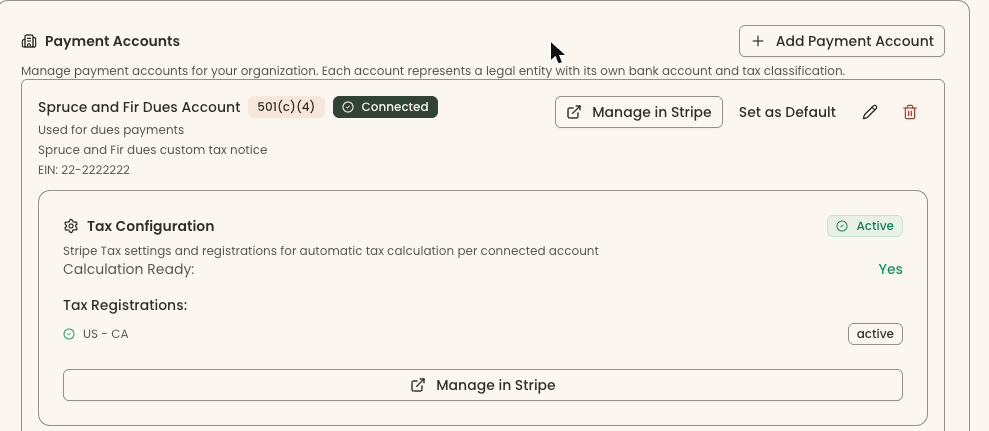
About 15 minutes. We create your account and connect Stripe, which takes your card payments and pays out to your bank. The Stripe account belongs to you, not me.
About 30 minutes, in the same meeting. Membership levels, a donation form, an event or a rental space: whatever is open or coming up next.
Usually a day, two at most. You send me your exports, and I clean them up, match them and load them for you.
You add the forms to your website and you're running, with step-by-step help guides and me for any questions.
Your data
You send me exports from your current systems and spreadsheets. A CSV works best, but I'll take whatever format you have.
I reshape your data to fit Clerestory and match your supporters, members, donations and history to your new setup, then load it all for you.
If something doesn't make sense, I send you a short list of the records I need your help with, and we sort them out together.
Your donation and membership history comes with you. One club's payment records go back to 2018.
You don't have to move your data on day one. Some organizations start with one event or donation form and bring their history over later.
Honest expectations
I'd rather tell you now than surprise you later.
Stripe reviews every new account before it can take payments. This is usually quick, but it's Stripe's process, not mine. If Stripe asks for more information, Clerestory shows you exactly what it needs.
Some older systems make it hard to download your own data. If yours does, I'll help you find the export.
Duplicate donors, missing emails and old spreadsheets are normal. They're also the main reason a migration takes two days instead of one.
My fastest switch, from first call to live, took about two hours. A typical one takes a day.
Low risk
I set up every organization myself, so the person moving your data is the person who built Clerestory.
There's no setup fee and no charge for moving your data.
There's nothing to sign and no monthly fee. If Clerestory isn't right for you, you can go back to your old system.
You can export it at any time, and your Stripe account and its history stay with you.
Most organizations are up and running within a day. Your account and Stripe take about 15 minutes, your first forms about 30, and moving your data usually a day, two at most. My fastest switch took about two hours.
No. You can start with one event or one donation form and move the rest later.
Someone who can legally represent your organization, for Stripe's verification. For most organizations that's the treasurer or executive director.
That's normal, and cleaning it up is part of the job. Anything I can't work out, I send back to you to check.
Setup and data migration are free. Clerestory charges a fee on each transaction, with no subscription or setup fee. See our pricing page for the details.
Yes. Clerestory can take the payments, receipts and renewals while your existing system stays your record.